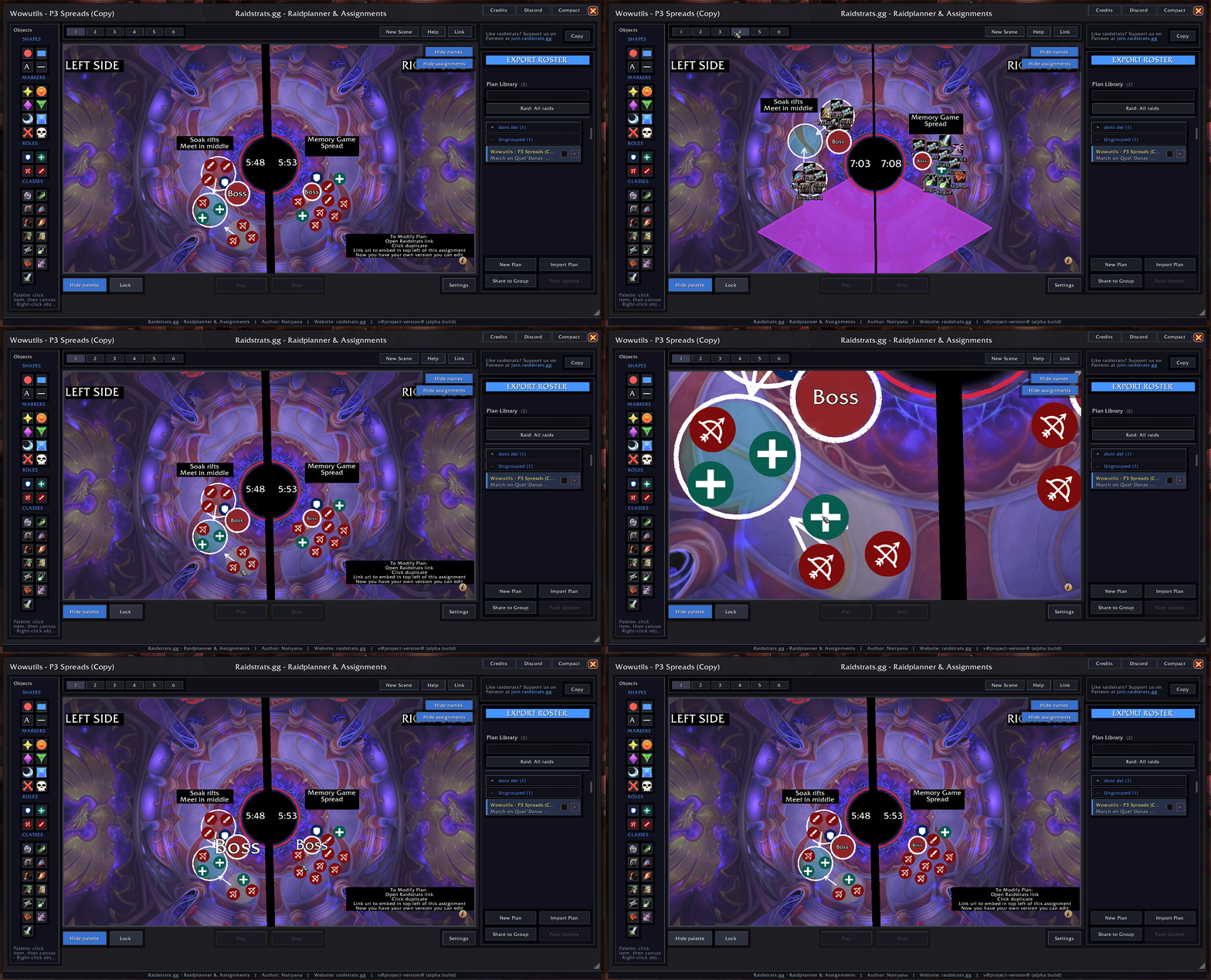
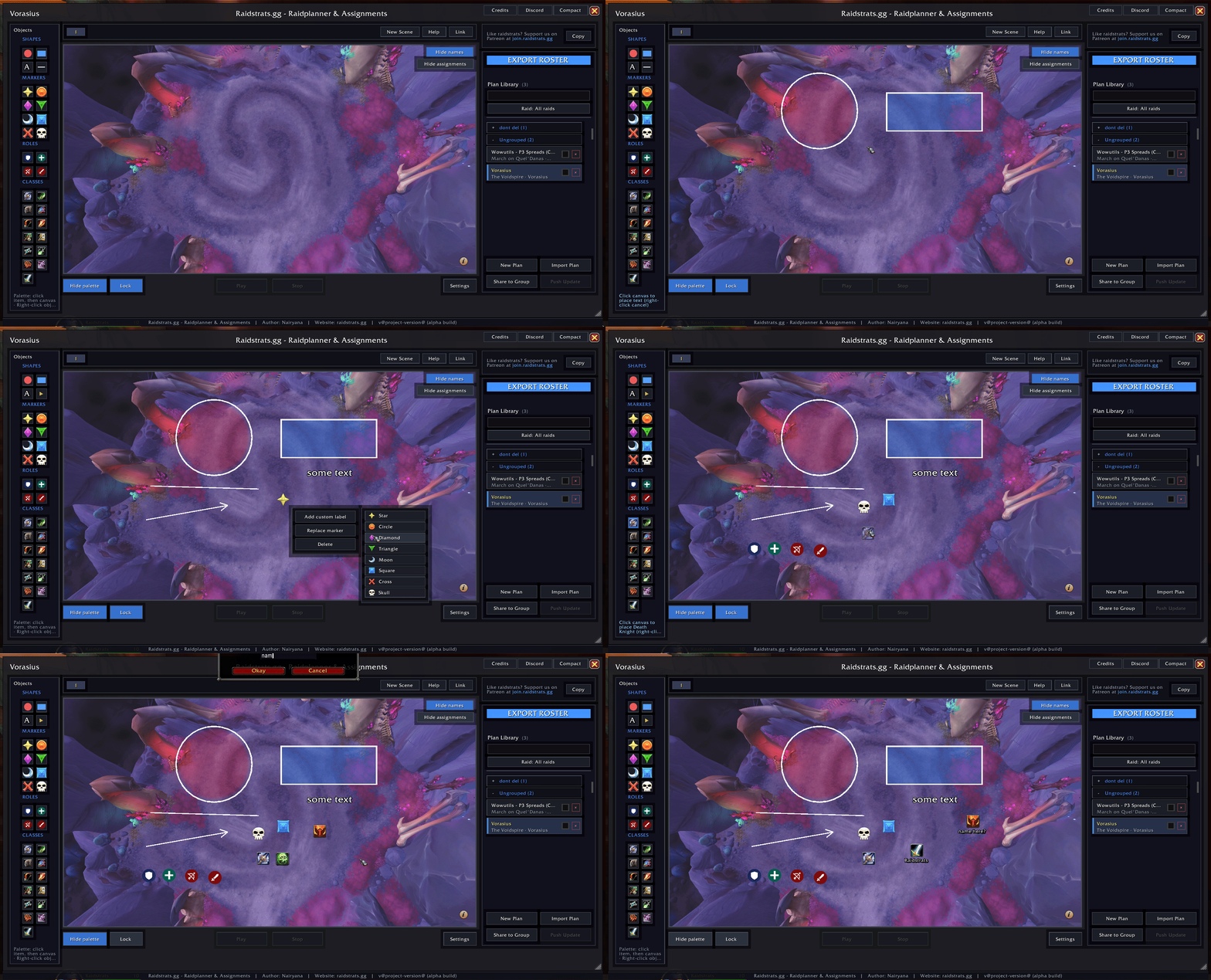
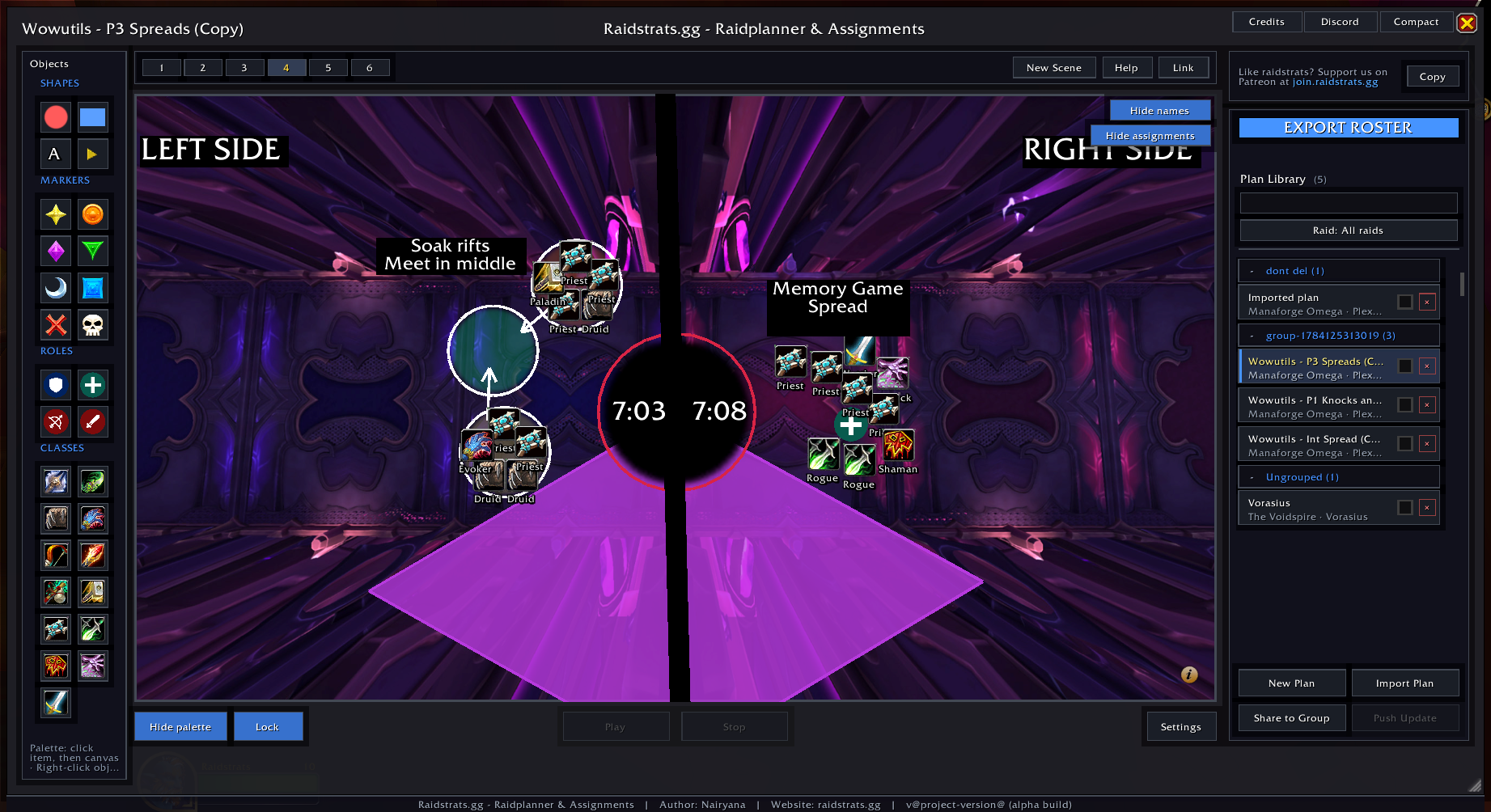
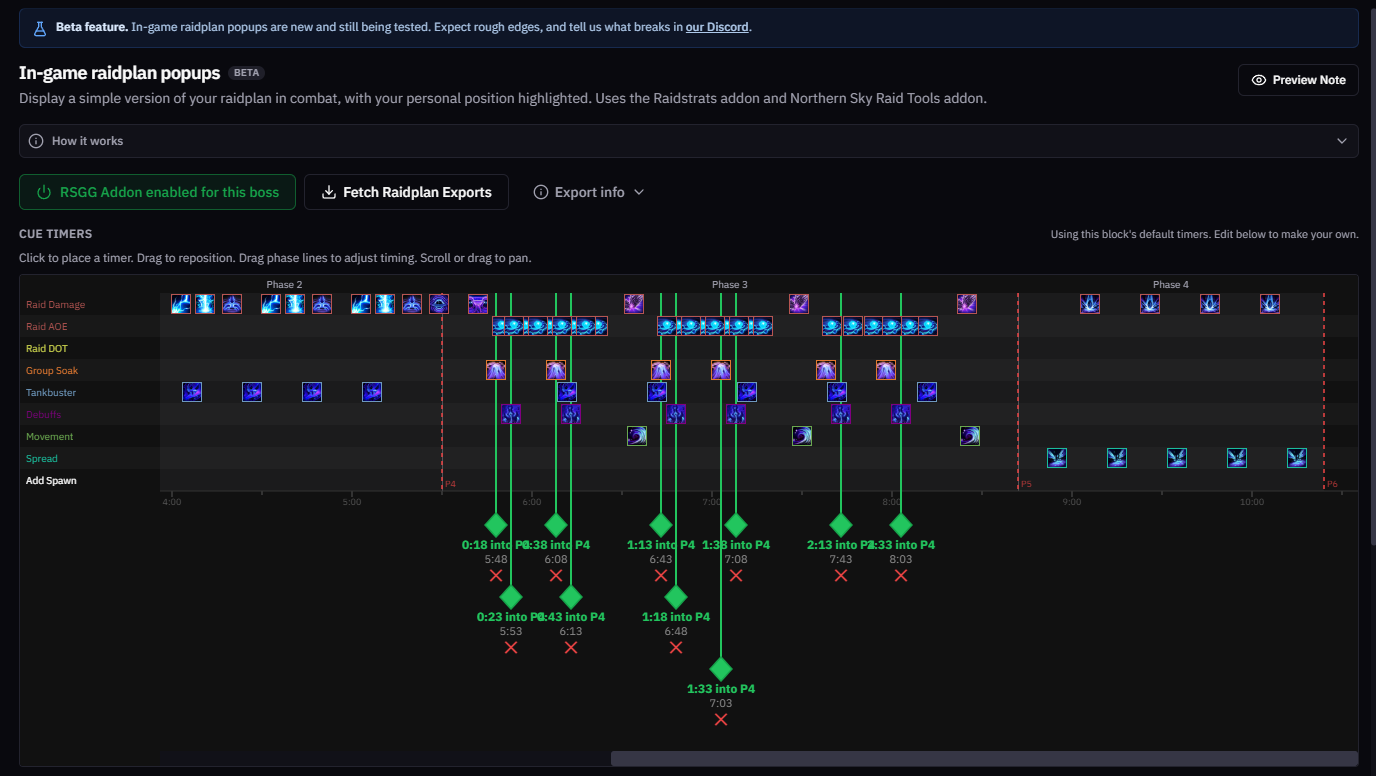
Pull your raid roster straight from World of Warcraft, push plans to everyone in your group, and keep the whole team in sync. Try the in-game planner live in your browser below.
This is a faithful recreation of what the addon looks like inside WoW. Pick an object on the left, drop it on the map, drag it around, and switch scenes — just like the real thing.
The same controls you just tried, explained. These map one-to-one with the buttons in the demo above.
Shapes, the 8 raid markers, and role icons. Click one, then click the map to place it.
Creates a shareable raidstrats.gg link to the current plan and scene so teammates can open it.
Toggles the name labels under placed objects so you can see who’s assigned where.
Overlays a number on every object showing its order — handy for sequencing soaks, kicks or movement.
Each scene is a separate stage of your strategy. Switch tabs to plan different phases.
Freezes every object in place so you can present the plan without accidentally moving anything.
Collapses the object panel to give the map more room when you’re reviewing.
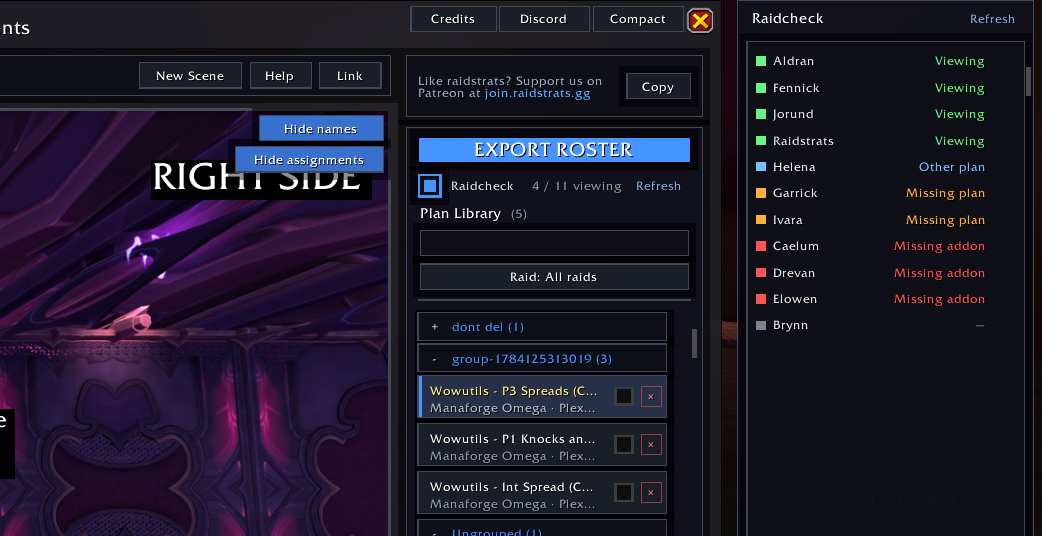
Shows each raid member’s status — viewing the plan, on another plan, missing it, or missing the addon — and can notify everyone with the addon to open the plan in-game.
Send a plan to your whole group in-game, or push a revised version after you make changes.
From installing to syncing your first plan with the whole raid — here’s the full workflow.
Install from CurseForge or Wago (or their desktop apps for auto-updates). It’s lightweight and won’t affect your in-game performance.
Log in to WoW and open the planner with the /rsgg slash command or the minimap button. The window above is exactly what you’ll see.
While in a raid group, the addon reads your current group composition — every player’s class and spec — with no manual typing required.
Place markers, shapes and role icons on the map, or pull a finished plan from your Plan Library and tweak it for your team.
Hit Share to Group to push the plan to everyone running the addon. Use Push Update whenever you revise it mid-pull.
Use Link or import/export to move plans between the in-game addon and the full web planner seamlessly.
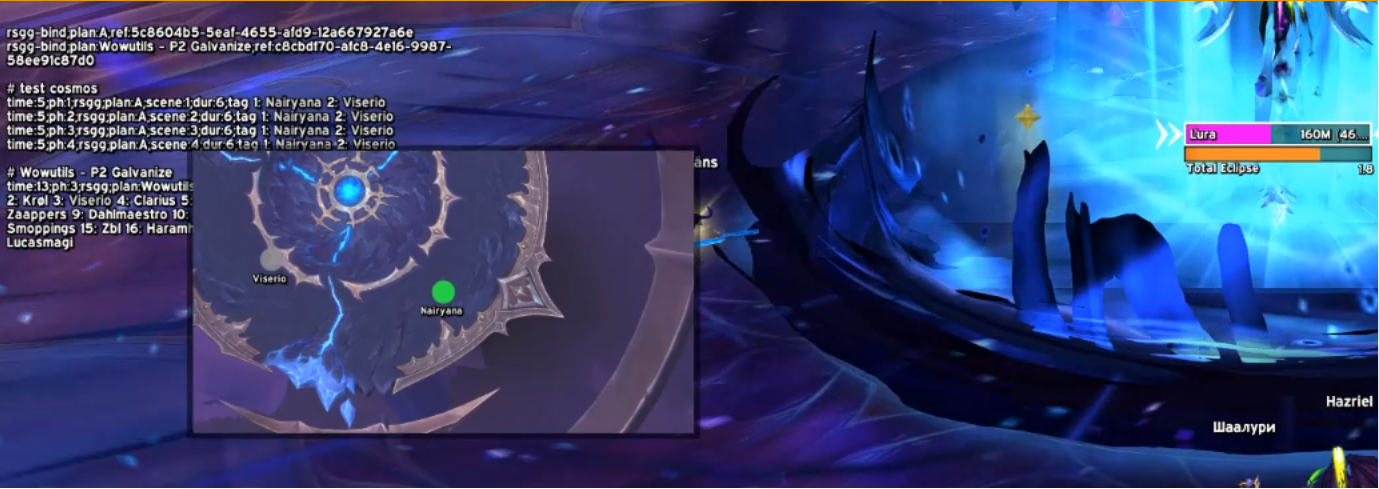
Pair your raid plan with Northern Sky Raid Tools (NSRT) and the planner pops up automatically during the pull — at the right time, for the right people, on the right scene. Add special rsgg lines to your NSRT note, define who goes where with Groups and tags, and let the addon handle the rest.
Every NSRT note needs an encounter ID on the first line. Each rsgg line tells the addon when to show which scene.
Optional fields: plan:My Plan Name, dur:30 (auto-hide seconds), compact:false (full window instead of compact).
In Planner Settings → NSRT Timing you control how early/late the popup appears relative to the cue:
Test your note outside raid with /rsggtest (or /rs test).
Define reusable rosters anywhere in the note. Each name’s position in the list maps to a spot on the plan — name 1 = index 1, name 2 = index 2, and so on (same numbers as Preview index).
If you’re Alyssa, spot 1 glows green and the popup opens. Players not in Group1 never see this cue.
Put names directly on the cue line instead of a separate group. Same positional rule: first name = spot 1, second = spot 2, etc.
Use this for one-off assignments that don’t need a reusable group line.
When multiple players share a spot, or spots aren’t a simple left-to-right list, use indexed tags. The number before each colon is the Preview index on your plan — the object number you see when Preview index is on.
Both Alyssa and Bran see the popup and spot 1 highlights for each of them. Hector and Dia each get spot 2. Players not listed anywhere on the tag line are skipped entirely.
Cue fields
time: seconds into the NSRT phaseph: NSRT phase numberrsgg required markerscene: plan scene tab (1, 2, 3…)tag: group name, inline names, or indexed spotsGroup line format
Turn on Preview index in the planner to see the numbers your NSRT tags refer to. Object 1 on the map is spot 1 in your note — whether you use a group line, an inline tag, or an indexed tag like tag 1: PlayerA PlayerB.
rsggGroup1: lineAutomatically read your current raid group composition directly from World of Warcraft — no more manual entry. Get the full roster instantly with class and spec info.
Push your raid plan to everyone in your group who has the addon installed. Perfect for coordinating strategies and keeping the whole team on the same page.
Change a strat between pulls and push the update instantly. With Raidcheck enabled, everyone auto-imports the newest version without lifting a finger.
Get the Raidstrats.gg addon on CurseForge or Wago and start streamlining your raid planning workflow today.
The Raidstrats.gg addon was created by the talented developer Bettiold. We’re incredibly grateful for their contribution to the Raidstrats.gg ecosystem.