What is the Animated Timeline?
Unlike static image raid planners that show "where" but not "when," Raidstrats.gg's animated timeline lets you sequence animations with precise timing. This creates a complete picture of the encounter that shows both positioning and timing—essential for complex mythic encounters where coordination and timing are critical.
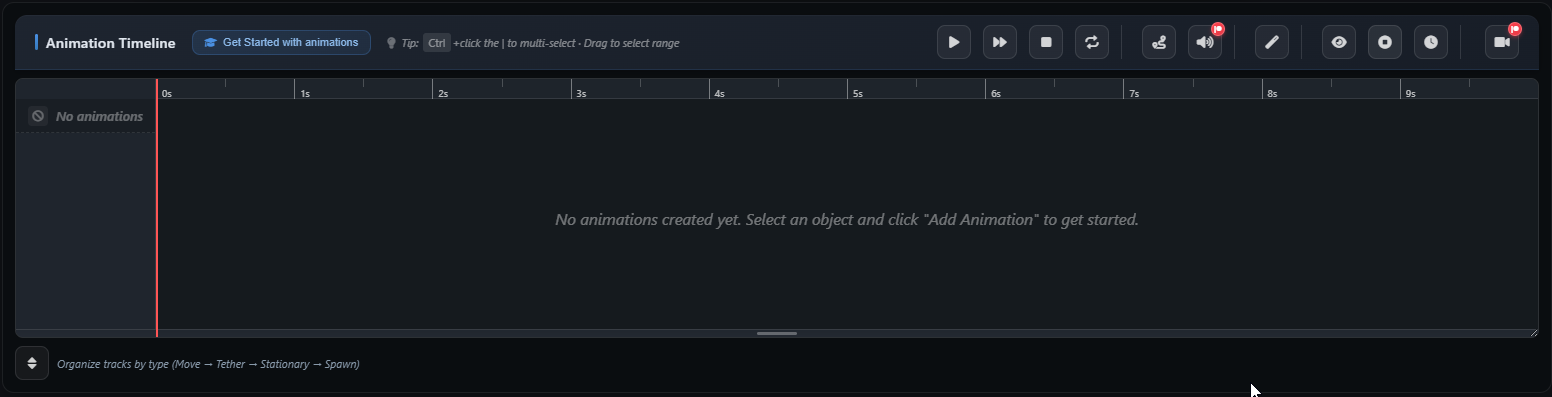
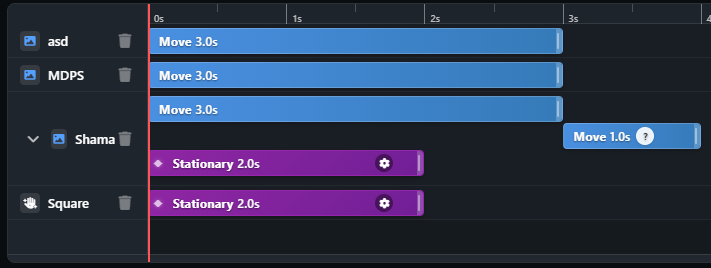
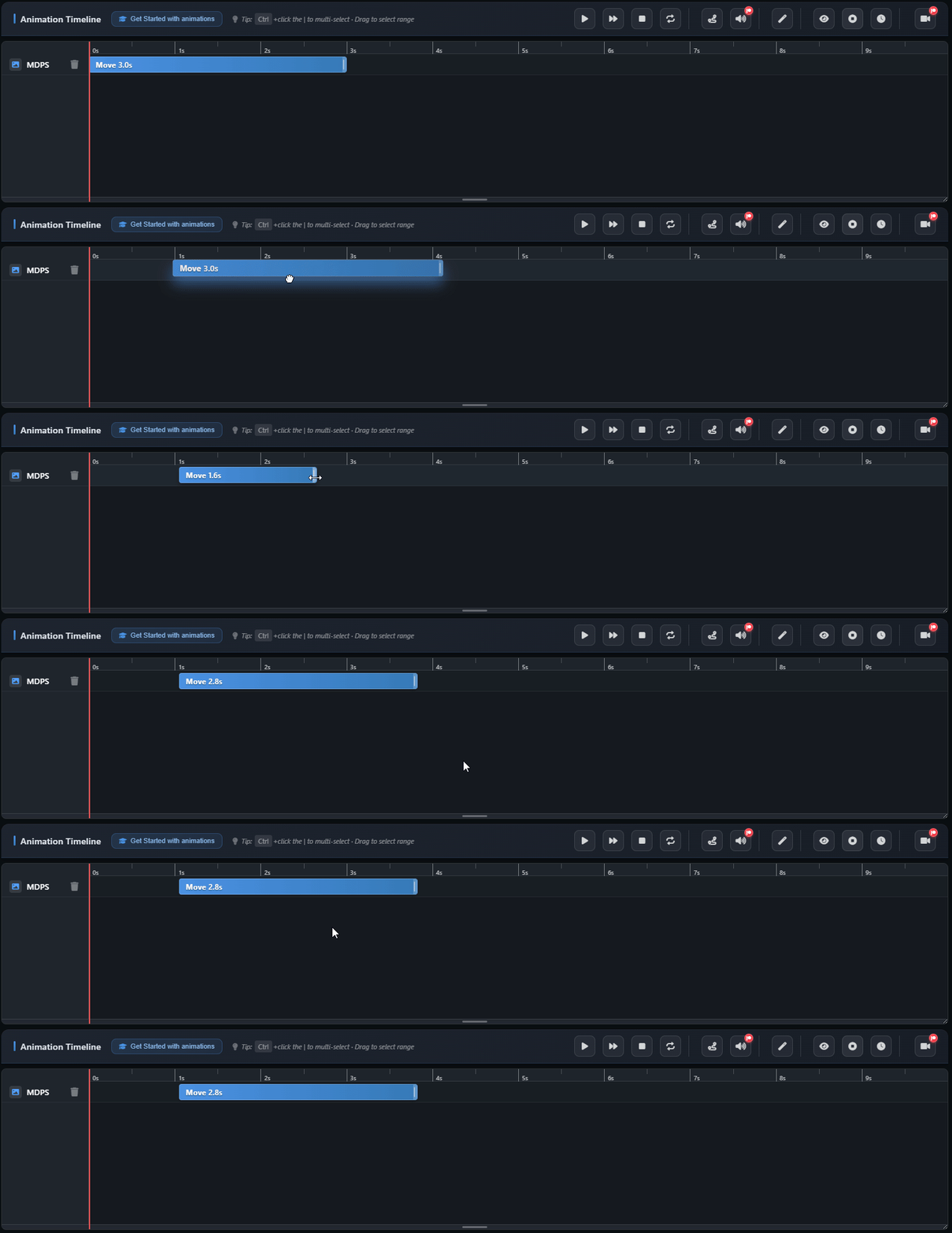
The timeline works like a video editor: you can drag and drop animation clips, adjust their timing, add delays between sequences, and preview everything before sharing. This makes it easy to create complex strategies that show exactly when each mechanic occurs during the fight.
How It Works
Create Your Animations
Start by creating path animations, tethers, or stationary effects for your raid strategy. Each animation becomes a clip that you can place on the timeline.
Sequence on Timeline
Drag animation clips onto the timeline and position them to show when each mechanic happens. Add delays between animations to create realistic timing that matches the actual encounter.
Preview & Share
Preview your animated sequence to ensure timing is correct, then share with a single link. Your team can watch the animated plan to understand exactly when each mechanic occurs.
Screenshots

Why Timeline Planning Matters
Static image planners have a fundamental limitation: they can't show timing. In complex mythic encounters, knowing "when" is just as important as knowing "where." The animated timeline solves this by showing both positioning and timing in a single, easy-to-understand format.
This is especially valuable for encounters with overlapping mechanics, phase transitions, or time-sensitive positioning requirements. Your raiders can watch the animated sequence and understand not just where to go, but exactly when to move, when to stack, and when to spread.
Pro Tip
Use the timeline to create "phase markers" by grouping animations that happen in the same phase. Add short delays between phases to clearly show phase transitions. This makes it easy for your team to understand the encounter structure at a glance.