What are Multiple Scenes?
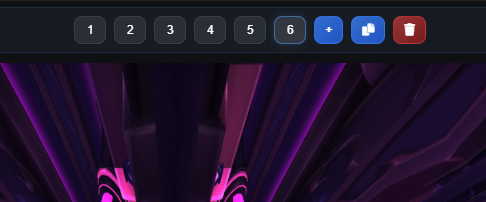
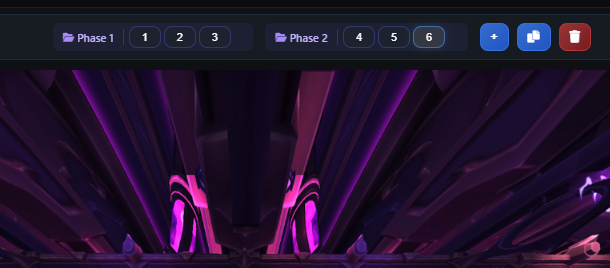
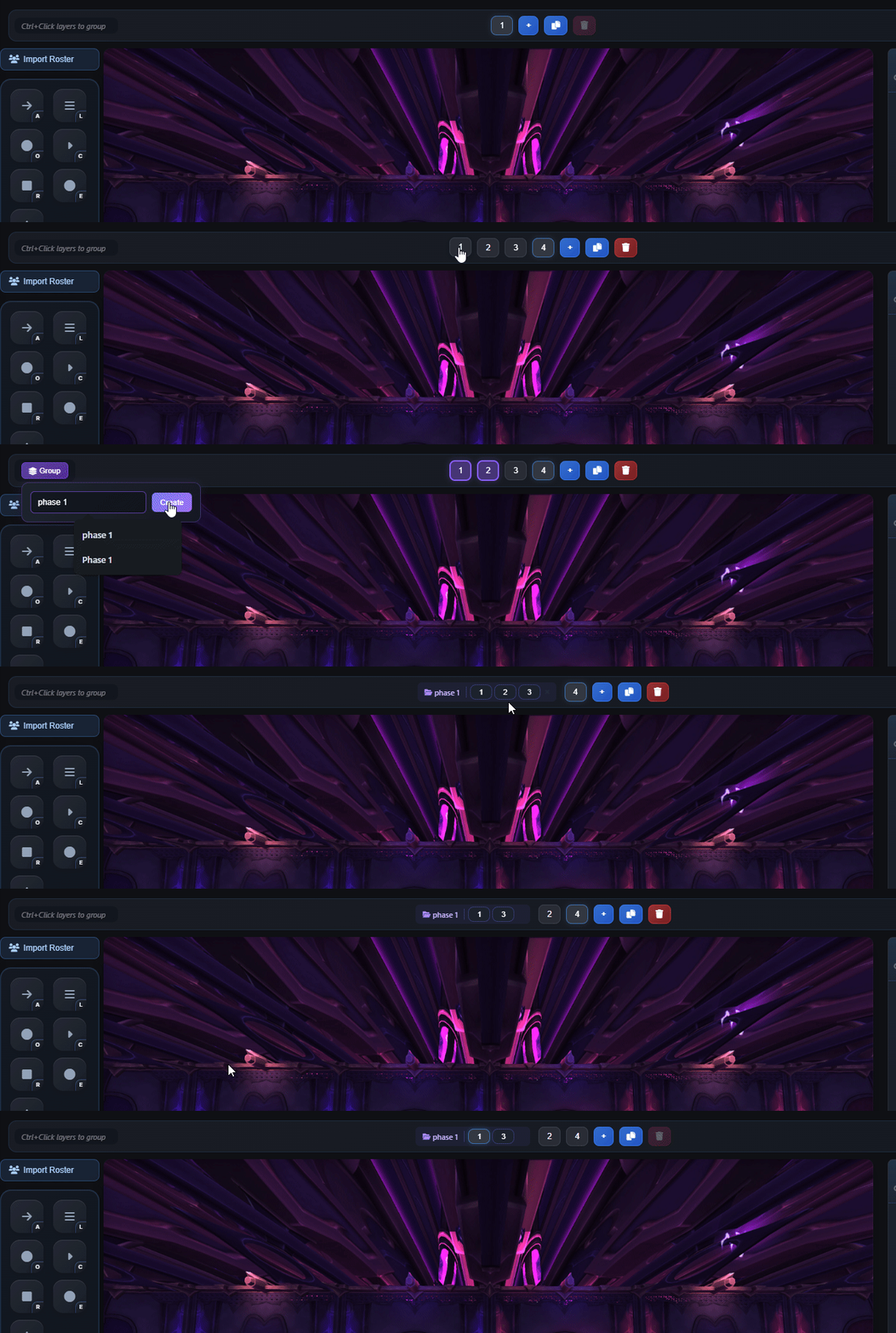
Multiple scenes allow you to organize complex encounters by creating separate strategy views for different phases or mechanics. Each scene can represent a different phase of the fight, a different strategy variation, or a different aspect of the encounter that needs explanation.
Instead of cramming everything into a single view, you can create focused scenes that show exactly what happens in each phase. Switch between scenes seamlessly to show your team different aspects of the fight, making complex encounters much easier to understand and execute.
Perfect for Complex Encounters
Multi-Phase Fights
Create separate scenes for each phase of the encounter. Show Phase 1 positioning, Phase 2 transitions, and Phase 3 mechanics all in organized, easy-to-understand views.
Strategy Variations
Show multiple strategy options for the same encounter. Create different scenes for different approaches, allowing your team to compare and choose the best strategy.
Focused Views
Break down complex mechanics into focused scenes. Show spread mechanics in one scene, stack mechanics in another, making each aspect of the fight crystal clear.
Screenshots
Why Multiple Scenes Matter
Complex mythic encounters often have multiple phases with completely different mechanics and positioning requirements. Trying to show everything in a single view can be overwhelming and confusing. Multiple scenes let you break down the encounter into manageable, focused views that are easier to understand and remember.
This organization also makes it easier to update strategies. If Phase 2 mechanics change, you only need to update the Phase 2 scene, not the entire plan. This saves time and reduces the chance of errors when updating strategies.
Pro Tip
Name your scenes clearly (e.g., "Phase 1 - Opening", "Phase 2 - Transition", "Phase 3 - Burn"). This makes it easy for your team to navigate between scenes and understand which part of the fight each scene represents. You can also add scene descriptions to provide additional context.