What is Roster Import?
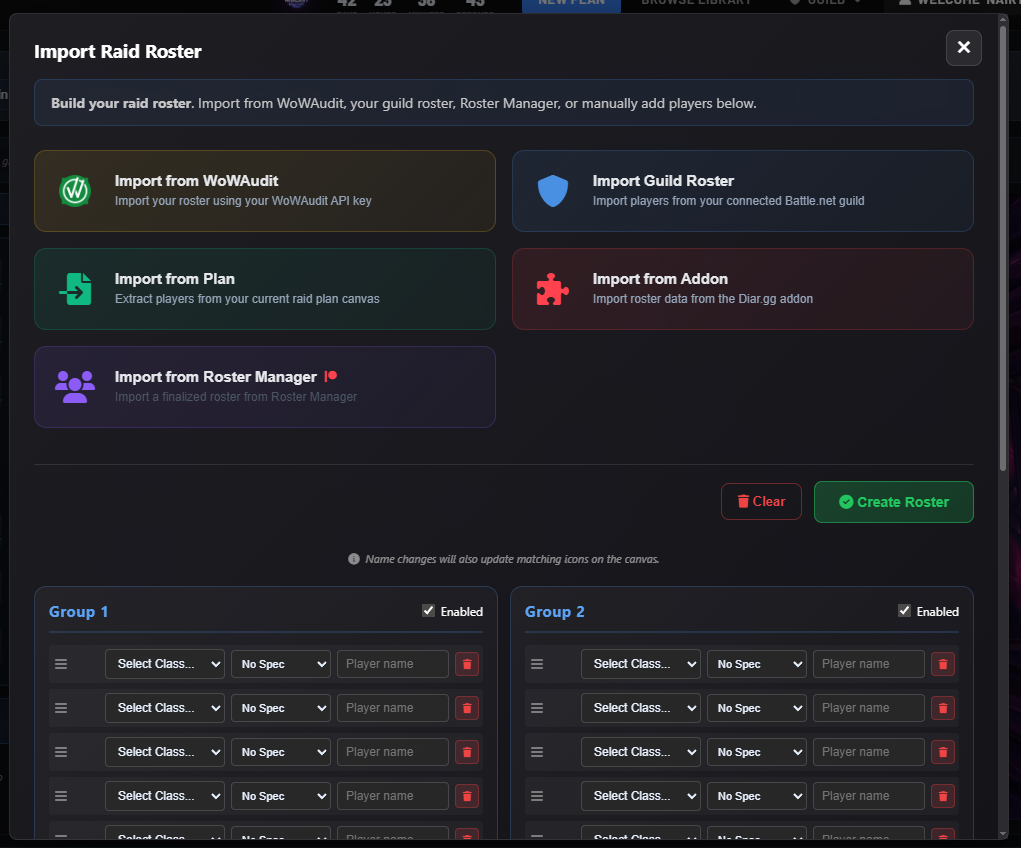
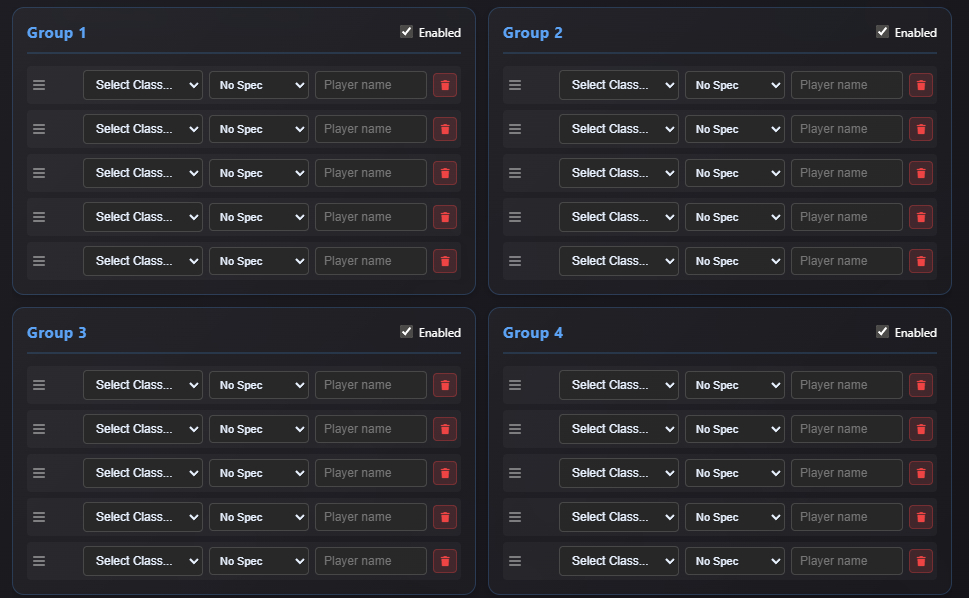
Roster import lets you quickly populate your raid plans with your actual guild roster. Instead of manually typing character names, classes, and specs, you can import your roster from multiple sources and have your team ready to assign positions in seconds.
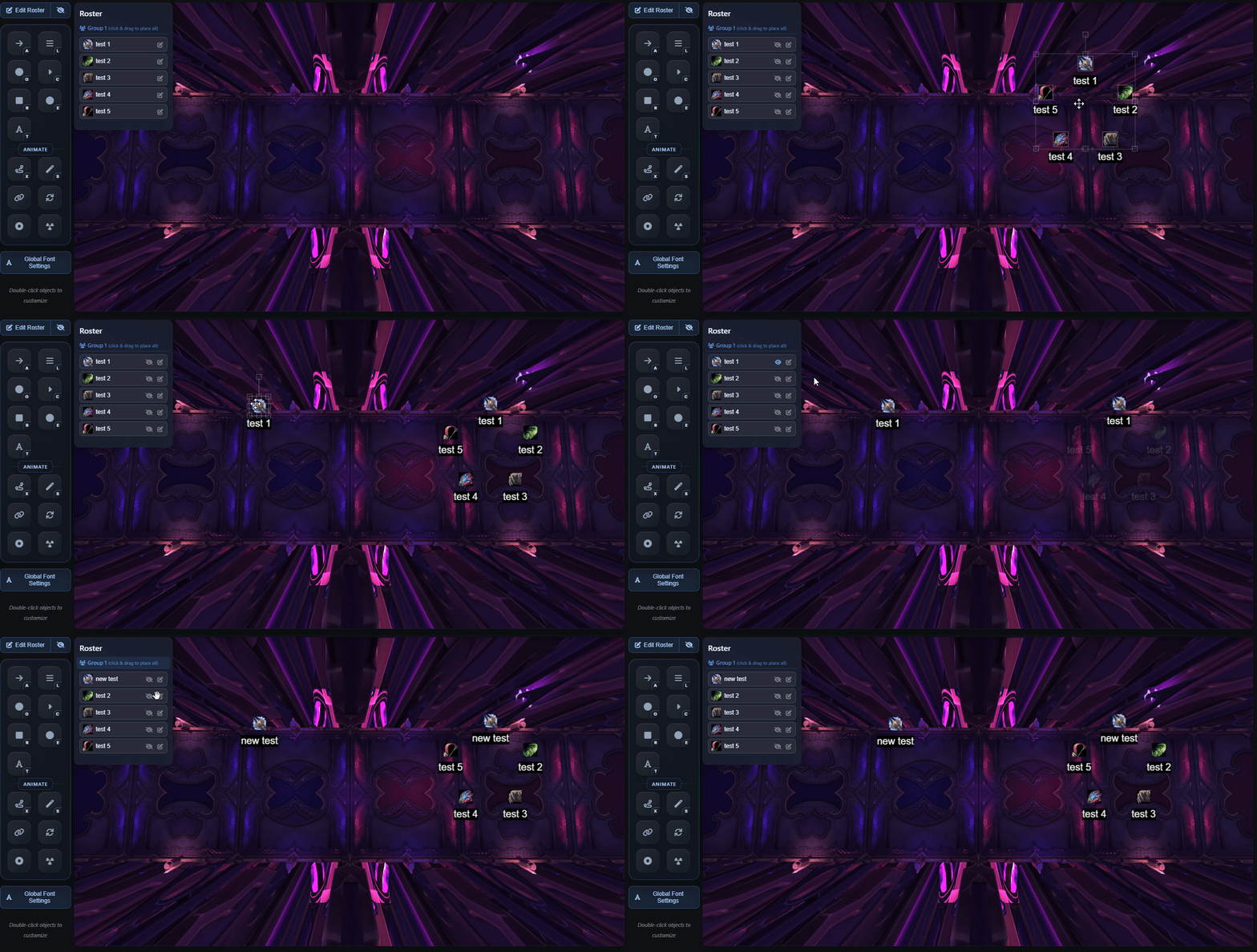
Once imported, you can drag and drop raiders to assign positions on the fly. Quickly re-assign roles and names in the planner as your strategy evolves. Support for multiple import methods makes it easy to get your team into the planner, regardless of how you manage your roster.
Import Methods
Battle.net API
Import your guild roster directly from Battle.net. Connect your account and sync your guild's character data automatically.
WoWAudit
Import from WoWAudit if you use it for roster management. Seamlessly sync your WoWAudit roster into Raidstrats.gg.
Raidstrats.gg Addon
Use the Raidstrats.gg World of Warcraft addon to import your current raid roster directly from the game. Capture character names, classes, and specs instantly. Download addon →
Import from Plan
Scan the canvas for player objects in your current plan. Automatically detects all characters placed on the arena and adds them to your roster list.
Manual Entry
Don't use any roster tools? No problem. You can manually create your roster or import from CSV files if needed.
Roster Manager (Patreon)
Patreon supporters can use the advanced Roster Manager to save and manage multiple rosters, sync across plans, and keep your team data organized. Learn more →
Screenshots
Drag and Drop Assignment
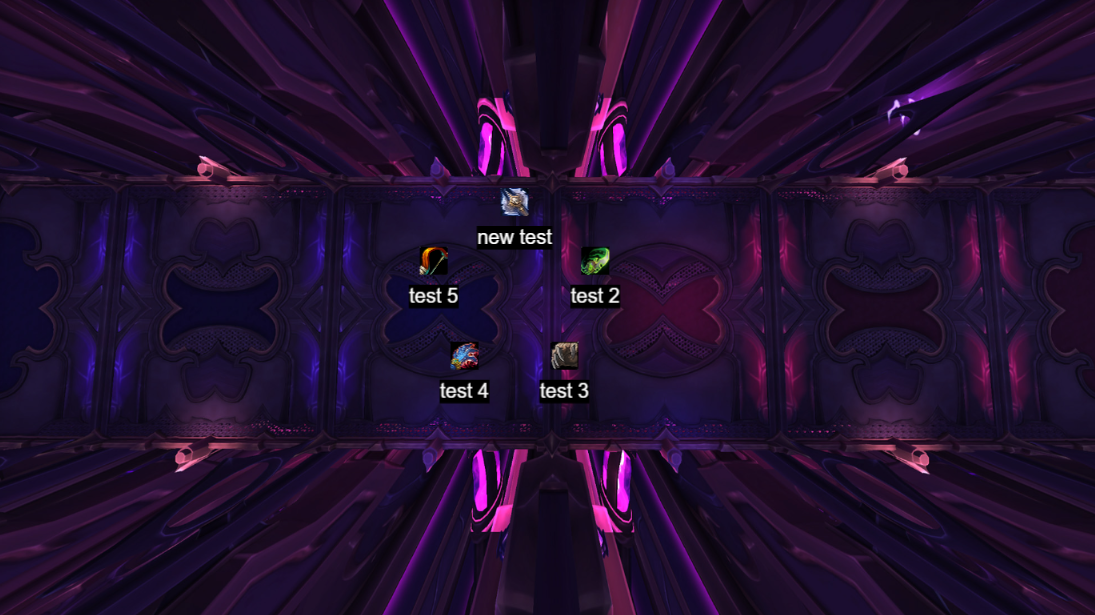
Once your roster is imported, assigning positions is as simple as dragging and dropping. Click on a raider from your roster list and drag them to a position on the arena. The planner automatically updates with the correct character name, class, and spec information.
This makes it easy to experiment with different compositions and quickly adjust strategies. If you need to swap players or try a different composition, just drag and drop. No need to manually edit names or re-import your roster.
Pro Tip
Keep your roster up to date by re-importing periodically, especially after roster changes or expansion rerolls. The Raidstrats.gg addon makes this especially easy—just run the import command in-game and your roster syncs automatically. This ensures your plans always use current character data.